LEVEL UP vs Notion
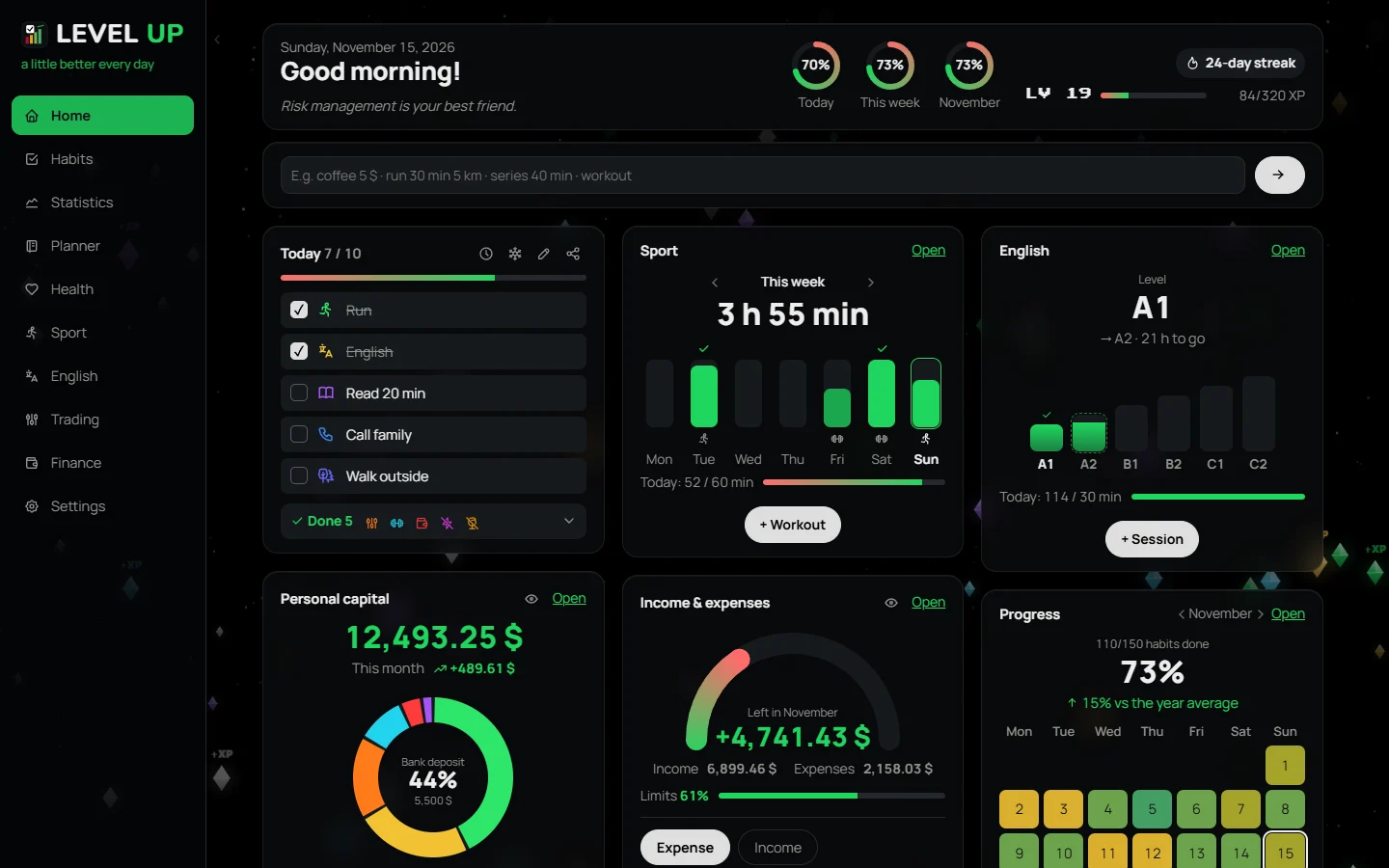
In Notion you build a habit tracker from a template: a table, checkboxes, formulas. LEVEL UP is a ready-made Windows app where everything is already set up, and every tick earns XP.
At a glance
| LEVEL UP | Notion | |
|---|---|---|
| What it is | A ready-made habit and budget tracker | A builder for notes and databases |
| Setup | Pick habits or a set — done | A template or your own table with formulas |
| Motivation | XP, levels, titles, day streaks | Checkboxes and formulas you set up yourself |
| Stats | Heat maps and weekly, monthly and yearly reviews, built in | You build them yourself |
| Budget and fitness | Built in | Separate templates |
| Account and data | No account, data on your computer | Account, data in Notion’s cloud |
| Devices | Windows 10 and 11 only | Web, desktop and phone |
| Price | Free during the beta | Free plan for personal use |
When Notion is better
If you already keep notes and projects in Notion, need access from your phone or to share with a team, and enjoy shaping tables to fit you.
When LEVEL UP is better
If Notion templates keep getting abandoned: a table doesn’t remind you or reward you. Here a habit takes one click, XP and levels grow before your eyes, and expense tracking and fitness sit right next to it. No internet or account needed.
Start in a minute
Nothing to build: pick habits from a ready-made list or a set for your goal — say, productivity habits or an emergency fund.
Questions
Can I use both?
Of course: notes and projects in Notion, daily habits and spending in LEVEL UP.
Does it sync between devices?
No, LEVEL UP keeps your data on one computer. You can put the automatic backups in a OneDrive or other cloud folder.
Is it free?
Yes, during the beta. Everyone who downloads the app during the beta gets the full version at 50% off.
Windows 10 / 11 · no account · free during the beta