Build an emergency fund
A ready set in LEVEL UP: track expenses, no impulse buys and save money — the three habits an emergency fund is made of. Plus widgets for capital, savings goals and budget limits.
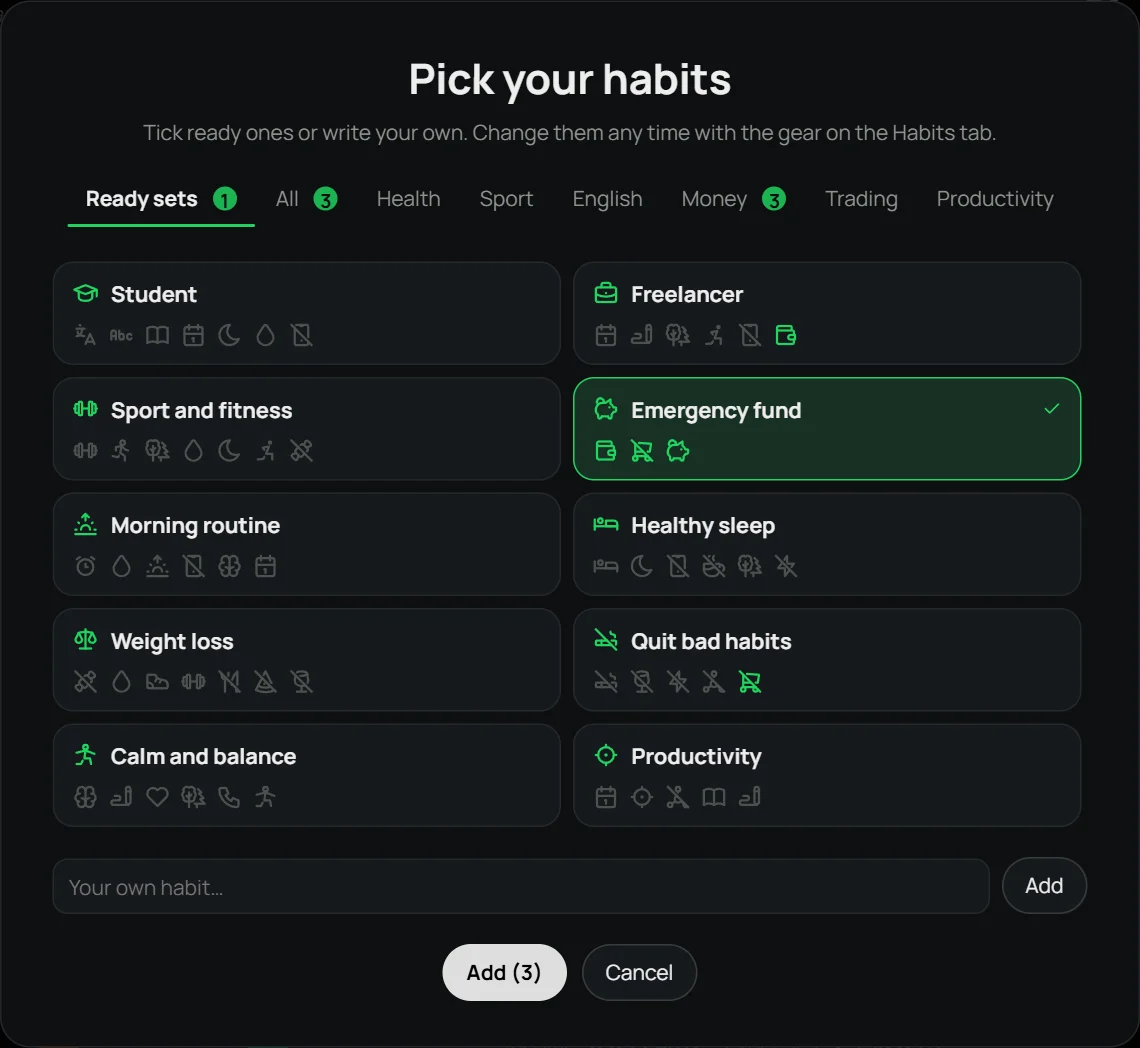
What’s in the set
- Track expenses
- No impulse buys
- Save money
Added to Home
- Personal capital
- Income & expenses
- Savings goals
- Budget limits
How to add it
Download LEVEL UP and open it: the welcome window has a “Ready sets” tab. Click “Emergency fund” — its habits get ticked, and you can untick any or add your own. Later you can add the set from the “Add habits” window — adding it again never creates duplicates.
Why it works
An emergency fund is usually 3–6 months of expenses. To build it, you need to know where money goes, avoid emotional spending and save regularly. A savings goal shows how much is left, and expense tracking shows where the money leaks.
Other sets
Student · Freelancer · Sport and fitness · Morning routine · Healthy sleep · Weight loss · Quit bad habits · Calm and balance · Productivity
Questions
Is it free?
Yes, during the beta. Everyone who downloads the app during the beta gets the full version at 50% off.
Can I change the set?
Yes. A set only ticks habits: you can untick any, add another one from the list or your own.
Is there a phone version?
Windows 10 and 11 only, for now. A phone version is planned.
Windows 10 / 11 · no account · free during the beta