Morning routine
A ready set in LEVEL UP: wake up early, water, exercise, meditation and a plan for the day — with no phone for the first hour. A morning that sets the day on your terms.
What’s in the set
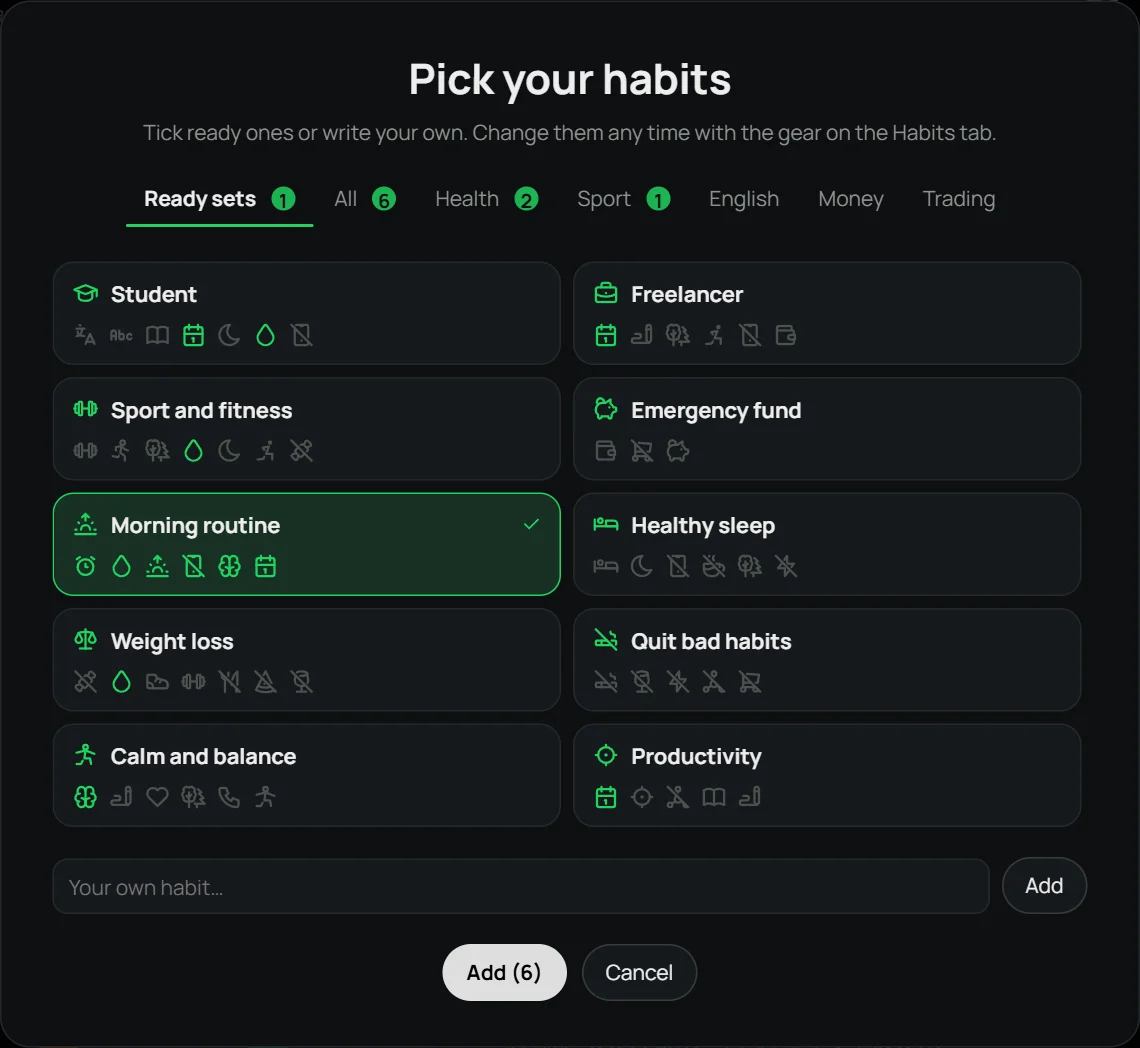
- Wake up early
- Drink water
- Morning exercise
- No phone for the first hour
- Meditate 10 min
- Plan the day
Added to Home
- Today’s plans
- Health
- Progress
How to add it
Download LEVEL UP and open it: the welcome window has a “Ready sets” tab. Click “Morning routine” — its habits get ticked, and you can untick any or add your own. Later you can add the set from the “Add habits” window — adding it again never creates duplicates.
Why it works
The way your morning goes is often the way your day goes. When the first hour doesn’t disappear into a feed, there’s time to wake up, move and decide what matters today. Ticks with XP help you get through the first weeks until the routine sticks.
Other sets
Student · Freelancer · Sport and fitness · Emergency fund · Healthy sleep · Weight loss · Quit bad habits · Calm and balance · Productivity
Questions
Is it free?
Yes, during the beta. Everyone who downloads the app during the beta gets the full version at 50% off.
Can I change the set?
Yes. A set only ticks habits: you can untick any, add another one from the list or your own.
Is there a phone version?
Windows 10 and 11 only, for now. A phone version is planned.
Windows 10 / 11 · no account · free during the beta